Releases

Every year at WWDC, Apple developers enter beta season.
The SDKs land. Sessions go live. Everyone starts downloading the new Xcode, trying APIs, and figuring out what’s newly possible.
It’s one of the best parts of building for Apple platforms.
Today, you can join in the fun:
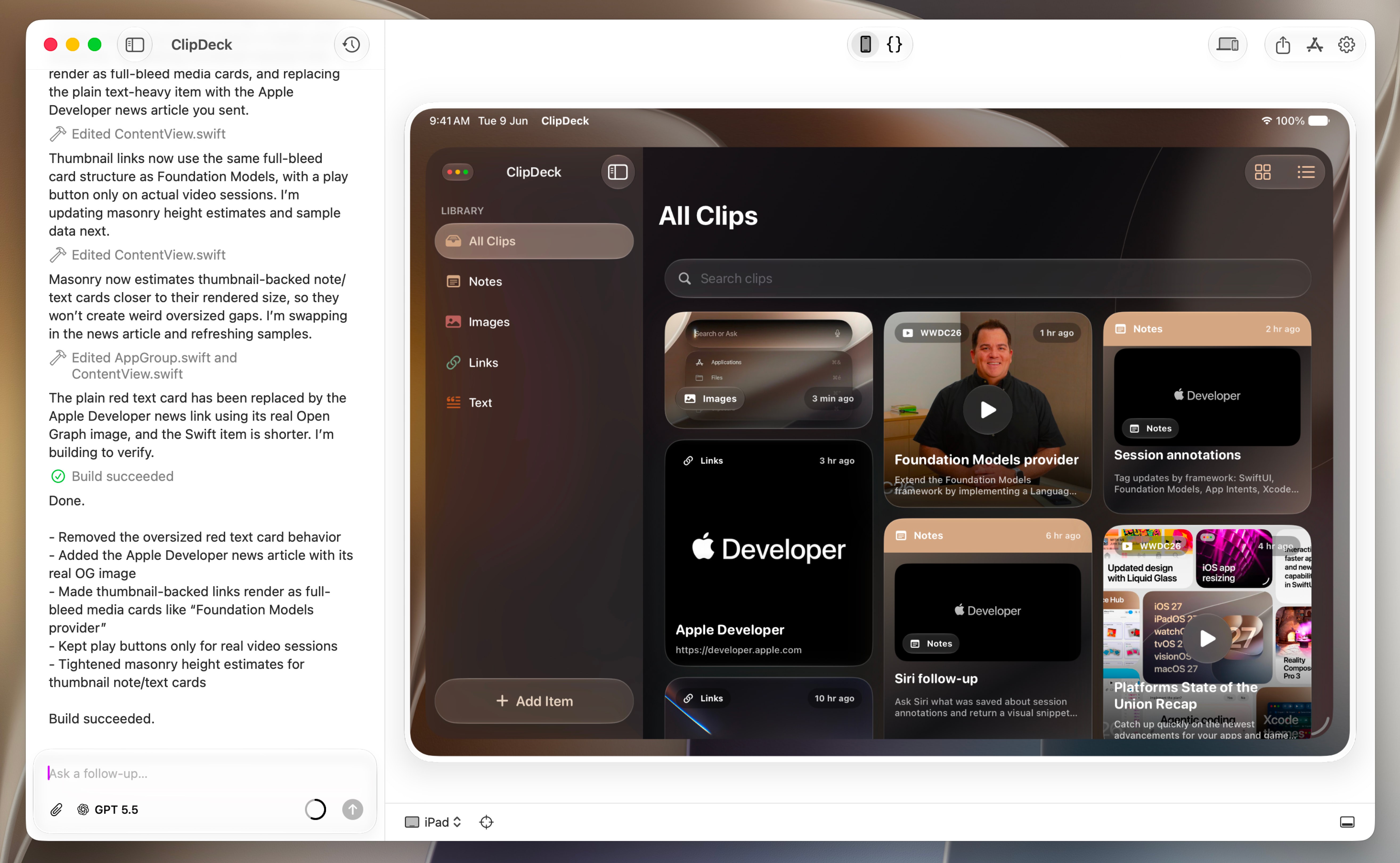
Bitrig can now build with the beta Xcode and SDKs announced at WWDC.
That means you can start exploring new on-device model capabilities with Foundation Models, Siri AI integrations through App Intents, the latest SwiftUI APIs, and brand-new frameworks like MusicUnderstanding and Suggested Actions.

If this is your first time building with Apple’s developer betas, it’s important to know that an Xcode beta is not a replacement for your stable Xcode. Most developers keep both installed: the stable Xcode for shipping, and the beta Xcode for experimenting.
This release has you covered:
Choose your Xcode. Install the new Xcode beta alongside your stable Xcode, then choose which one Bitrig should use to build and preview your app.
Manage your simulator runtimes. Choose which OS version to use for the App Preview, install the runtimes recommended for your selected Xcode, and clean up duplicate runtime disk images left behind by beta installs.
Build with the new beta SDKs. Choose the new Xcode beta, and Bitrig tells the agent which SDKs are available, so it can help you adopt new APIs across iOS, iPadOS, macOS, and watchOS.
When you install the Xcode beta, Bitrig will automatically find it and start using it. To switch back to your stable Xcode, open Settings > App Preview and choose a different Xcode.
A few things to keep in mind:
To run the Xcode beta, you generally need the latest stable version of macOS. You don’t need to install the macOS beta unless you want to test your Mac apps against the new beta OS.
Be thoughtful about installing beta OS releases on your primary devices. Downgrading is not always simple, so only upgrade a device if you’re comfortable running the beta on it for the summer.
Apps submitted to the App Store generally need to be built with the current release versions of Xcode and macOS. If you need to keep shipping this summer, keep your stable Xcode installed and think carefully before upgrading your primary Mac to the macOS beta.
I hope you upgrade to the latest Bitrig, install the beta Xcode, and join us in exploring what’s next for Apple platforms.
Happy beta season!
Topics
Xcode
Apple Platforms

