
Bitrig Remote

For iPhone and iPad
EVERYTHING YOU NEED
Go from idea to real app, fast


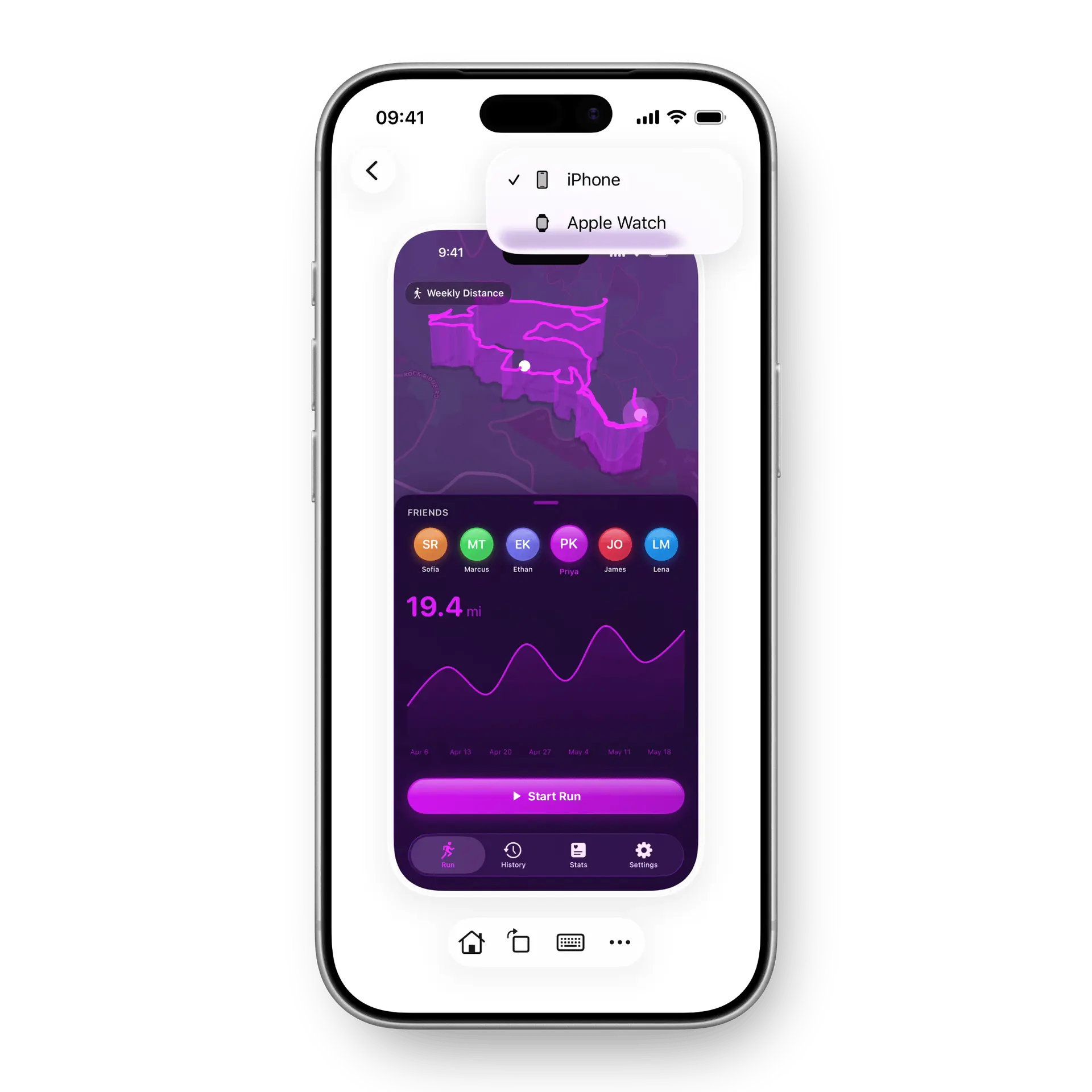


Build with the full Xcode toolchain, and use any framework in Apple’s SDKs.

Frequently Asked Questions
What is Bitrig Remote?

Bitrig Remote lets you access and work on Bitrig projects running on your Mac from your iPhone or iPad.
What do I need to run Bitrig Remote?
You'll need Bitrig running on your Mac and an iPhone or iPad running iOS 26.
Do I need a subscription to use Bitrig Remote?
No. Bitrig Remote uses the Claude or ChatGPT subscription you've connected to Bitrig on your Mac.
A Pro subscription is required to install apps to your device and distribute builds to TestFlight and the App Store using Bitrig Remote.
Does my Mac need to be turned on?
Yes. Bitrig Remote connects to Bitrig running on your Mac, so your Mac must be powered on and connected to the internet to use Bitrig Remote.
What is TestFlight? How do I join?
TestFlight is a service provided by Apple that lets you install beta versions of apps prior to their release on the App Store.
To join the Bitrig Remote TestFlight, click here. If you have never used TestFlight before, you'll be prompted to install it and join the Bitrig Remote TestFlight.

