Releases

Lately, I keep hearing people say it isn’t worth learning to code anymore.
I disagree.
AI makes it easier than ever to get started building. And that’s great. Too often, the steep learning curve of programming turned away people who could have made thoughtful, original, useful software.
But AI doesn’t remove the value of understanding what the code does. If anything, AI makes expertise more valuable. The deeper your technical understanding, the better you can guide the AI and keep it honest.
Today’s release is all about the code:
Bitrig now lets you review diffs and edit your project’s source code by hand.
Bitrig shows diffs across the places you need them most:
Click a row in the transcript to inspect the diff for a specific AI change
Select a commit in the version history to see its changes rendered as a diff
Preview the changes on your branch before opening a pull request
You can browse any diff’s changed files, jump between them, and switch between split and unified layouts.

If you notice something off, jump to the line of code and fix it by hand (and save some tokens!). Change a string. Tweak a color. Rename a variable.
Bitrig automatically commits your manual edits, keeps them in your project history, and makes sure the agent re-reads files you changed before continuing.
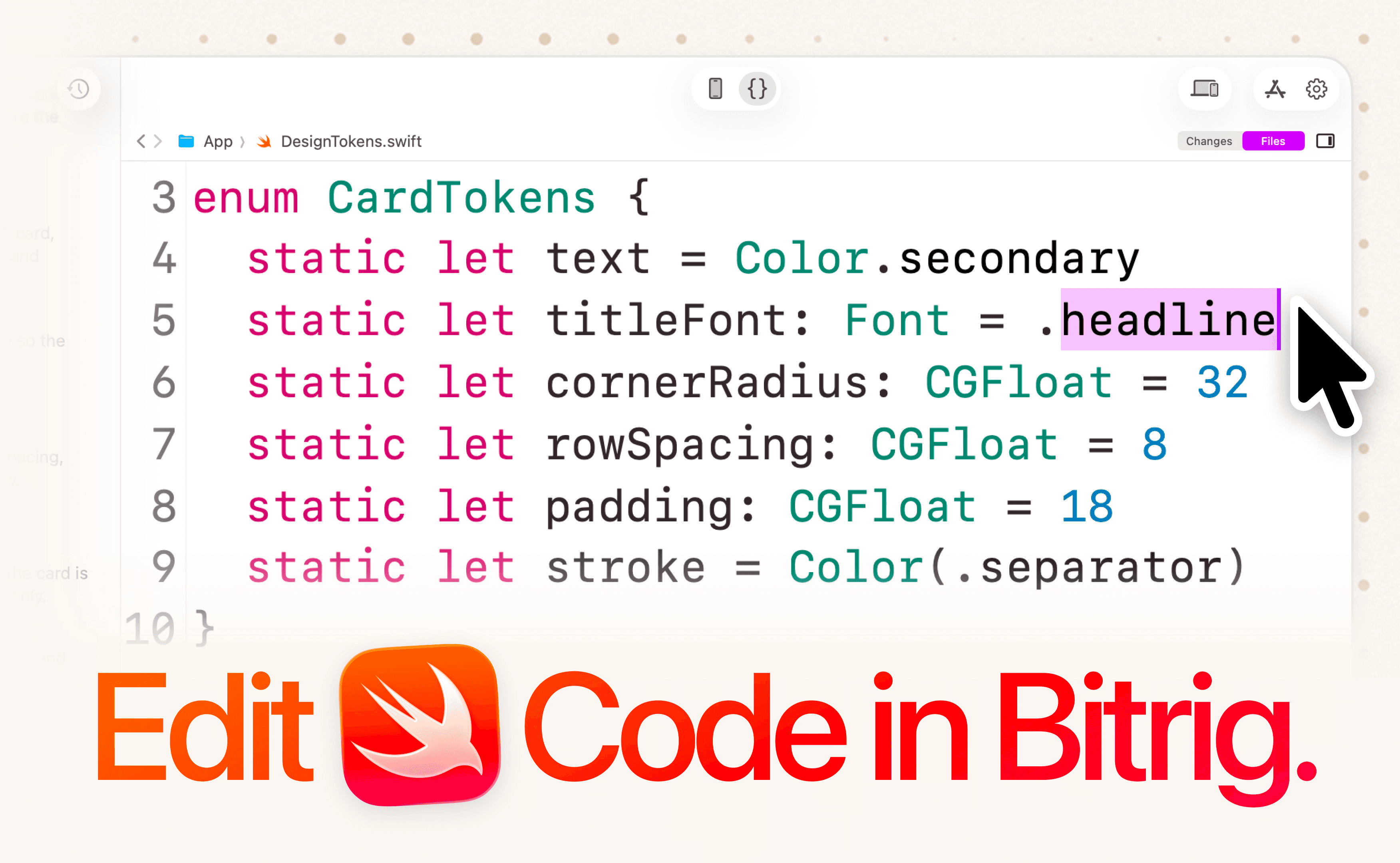
If you’re an experienced developer, this release will make you faster. You can more easily review Bitrig’s work, make your own changes, and keep moving without jumping out to another tool.
If you’re new to programming, I hope this release makes it easier to learn to code in the same project-based, incremental way people have been doing for decades—by building something you care about.
Topics
Developer Workflow
AI Coding

