Releases

It turns out there are more than two kinds of people.
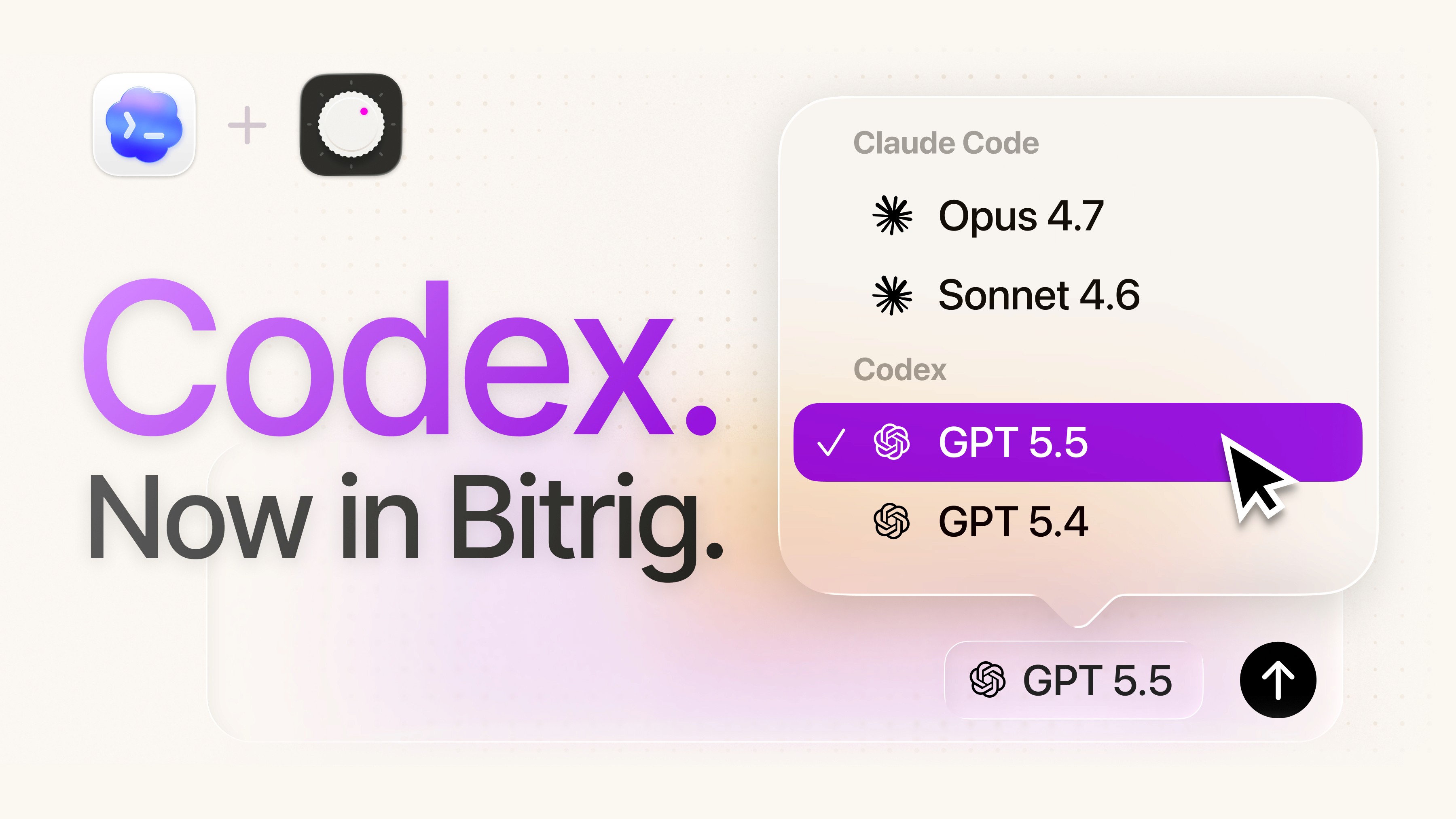
Claude Code people and Codex people. Cursor people, Grok people, OpenCode people…
We're building Bitrig for all of you.
The labs are in a horse race. Every few weeks the lead changes, and new horses join the field.
But switching between agents has so much friction. I can never remember which MCP servers and skills I've set up where. My conversations are stranded in whichever client I happened to start them in. If I hit my usage limits in the middle of a feature, another agent can't easily pick up where I was cut off.
Today, that changes:
You can now bring your coding agents to Bitrig—fully loaded with their MCP servers, skills, and conversations—and easily switch between them.
Here's what that means:
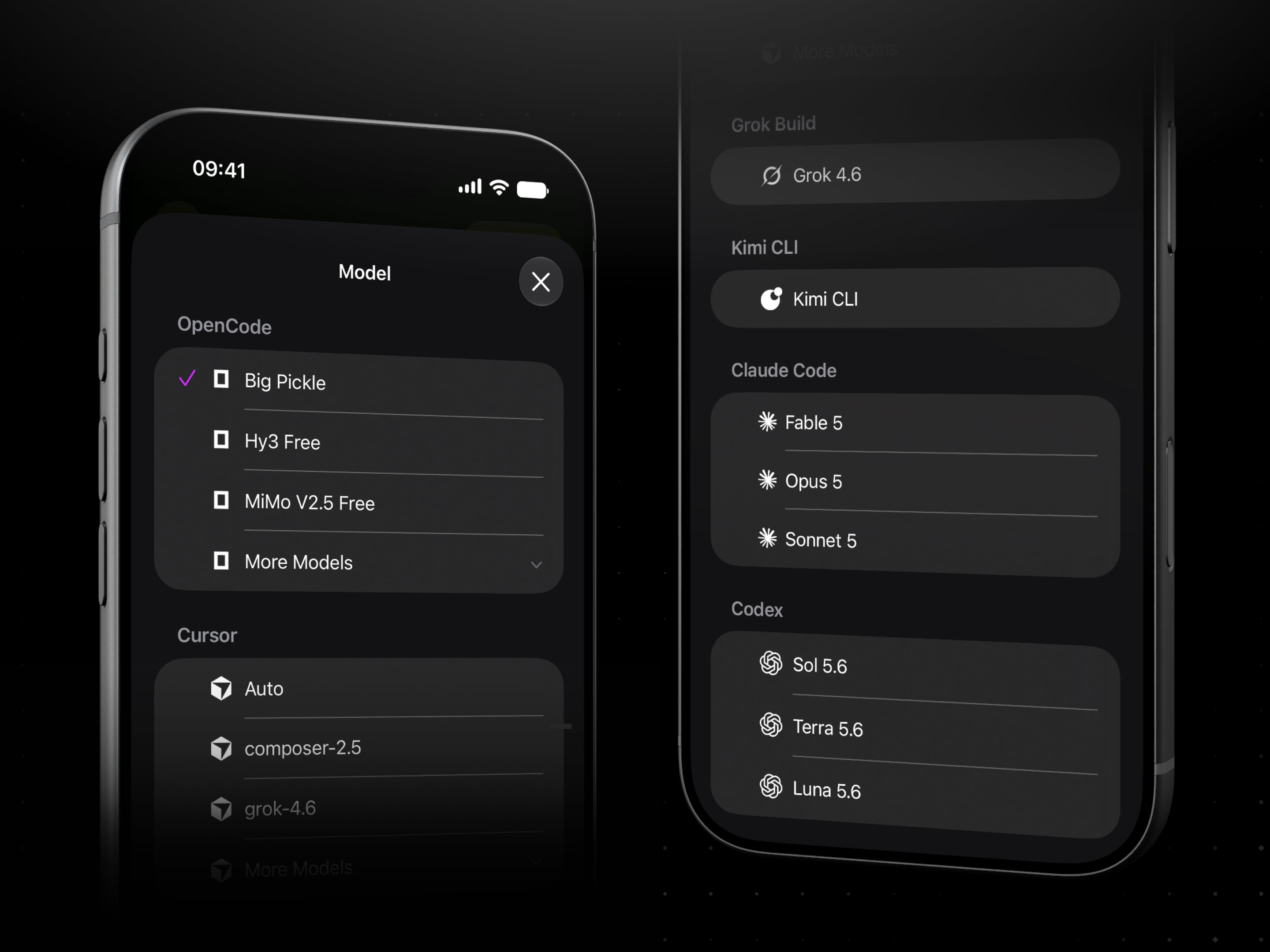
Bring your own agent. You can install Cursor, Grok Build, OpenCode, or any agent that speaks the Agent Client Protocol, and sign in with your own account.
Reuse MCP servers and skills. Bitrig runs your agent from its native configuration directory, so the skills and MCP servers you’ve added work with no additional setup.
Resume conversations. Your agent sessions show up in Bitrig’s sidebar, so you can pick up right where you left off, no matter which client your last message was sent from.
Switch agents mid-thread. If you hit a usage limit or an outage, you can hand your conversation to another agent and keep building without losing context.
You can use any of these agents (and easily switch between them!) on the go with Bitrig Remote on your iPhone or iPad.
Our job at Bitrig is not to pick the winner of the AI agent race. It's to help you build great, native apps for Apple platforms.
So whether your favorite agent is Claude Code, Codex, or something else entirely, open Bitrig and go build something great.
Topics
AI Coding
Developer Workflow