Releases

It wasn’t that long ago that coding agents would propose a batch of edits and wait on you to approve every one. Now an agent can work productively for hours at a time.
The obvious move is to start a second (or fifth!) task while you wait. But multiple agents in the same project step all over each other without careful management. I find myself fighting Xcode and its DerivedData. And with several tasks running, I lose track of what's in progress and often miss when one finishes.
Today, that changes:
Bitrig can now manage multiple coding agents in parallel, each in an isolated workspace with its own simulator.
Here's what that means:
Isolated workspaces. Start a new conversation while another agent is still running. Bitrig gives each agent its own Git worktree, so they can make changes in parallel without stomping on each other’s work.
Parallel Simulator Use. Bitrig tests the apps it builds by tapping, scrolling, and typing like a user, then fixes any bugs it finds. It decides how many simulators to launch based on how much memory your Mac has and hands them between agents as needed.
Managed DerivedData. Each workspace keeps its own Xcode build data, so parallel builds don’t interfere with one another. When you delete one, Bitrig cleans up the DerivedData to keep it from piling up on your Mac.
Agent status. The sidebar shows every workspace at a glance, including which agents are running and which have unread activity. When one finishes or has a question, Bitrig notifies you on your Mac or through Bitrig Remote.
Any coding agent you can bring to Bitrig can run in parallel, so Claude can work alongside Codex in the same project. You can build for every Apple platform, with one agent working on your iPhone app while another adds an Apple Watch complication.
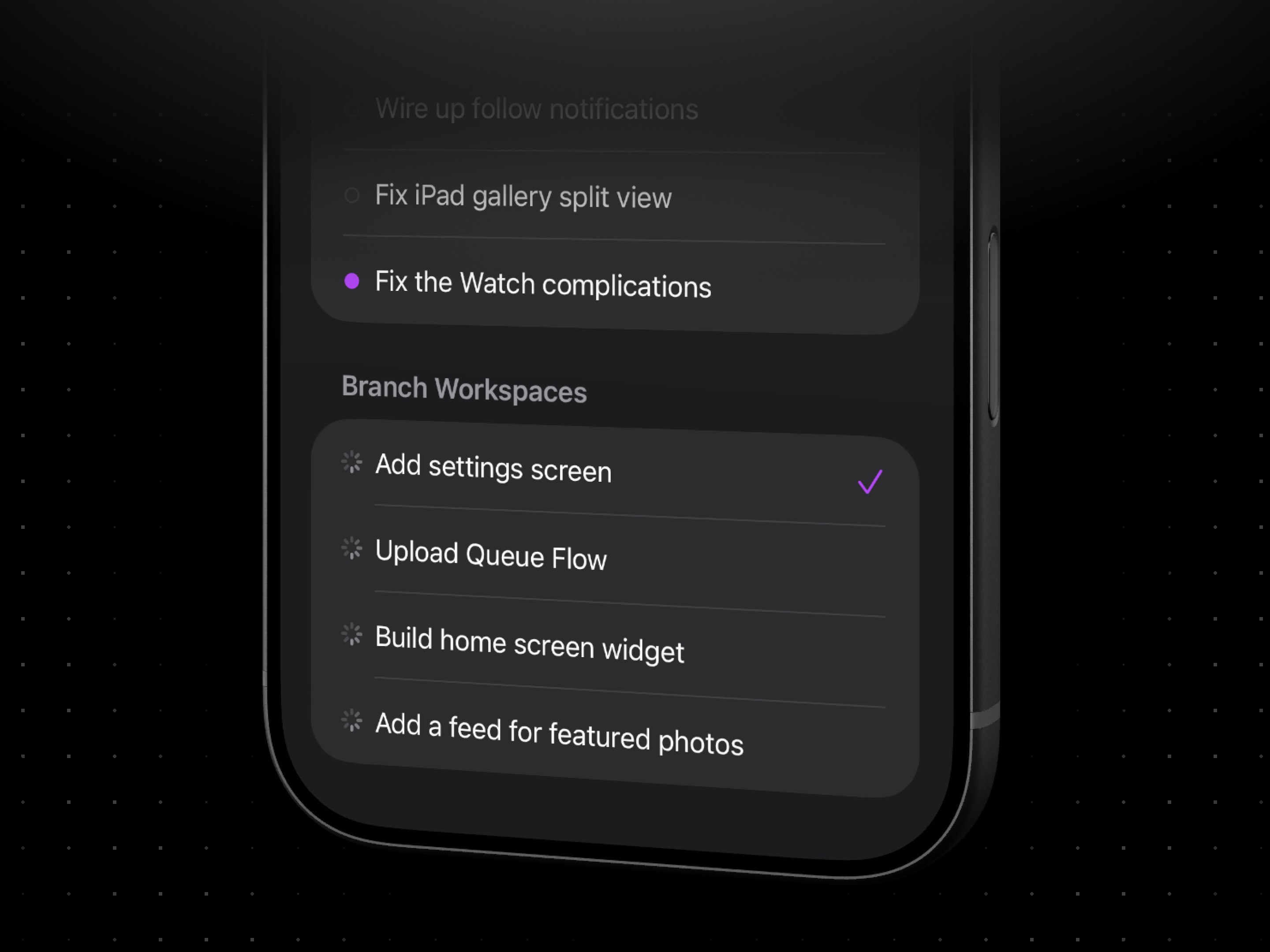
And you can manage all of this from Bitrig Remote. Kick off several agents from your phone, put it back in your pocket, and Bitrig will send you a push notification when one finishes or needs you.
So the next time you catch yourself waiting on an agent, don't.
Start another task. Bitrig will tell you when it's your turn.
Topics
Developer Workflow
Xcode
AI Coding

