Releases

Apple platforms are full of tiny interactions that many people never notice, but everyone feels.
To this day, I find myself playing with the iMessage transcript. I’ll scroll it, watching the bubbles gently stretch beneath my finger and darken from sky to deep blue as they drift down the screen. I’m not trying to accomplish anything. There’s just something deeply satisfying about it.
So when Tim showed us his wild idea for new simulator bezels, we didn’t ask what new functionality it would unlock. We just tried it, and fell in love.
Today, we’re excited to share:
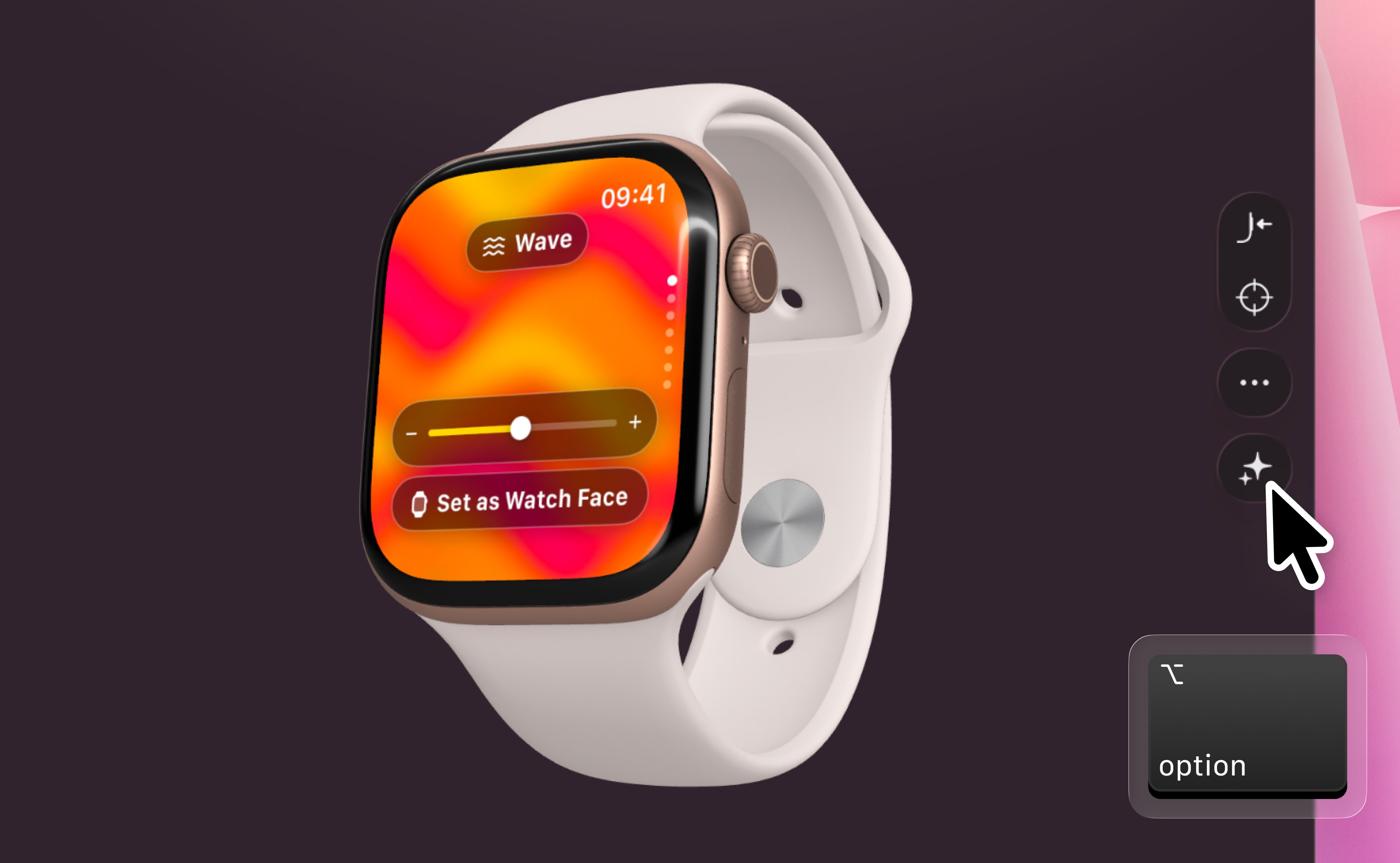
Bitrig’s built-in simulators now render your app in a photorealistic 3D device that you can grab and spin.
You can:
Run your app inside the exact device you’ve selected, faithfully rendered down to the glass, metal, buttons, and camera.
Move your cursor around the screen and the device subtly turns to face it, catching the light from a new angle.
Grab the device and rotate it in 3D. Give it a flick and watch it spin before gently settling back to face you.
There’s something valuable about seeing your app as a product running on a real device, not just a rectangle of pixels.
The Apple ecosystem has always celebrated the moments of craftsmanship that don’t make an app fundamentally more capable, but somehow make it more memorable.
We hope this is one of those interactions.
So open Bitrig, run your app, and give it a spin.
Then go add something to your app that nobody asked for, but that they’ll remember.
Topics
Simulator
Testing

