Releases

One of our most ambitious goals when we created SwiftUI was to make it simple to build apps across all Apple platforms.
The same language. The same framework. The same line of code producing idiomatic native UI everywhere from the smallest screen on your wrist to the biggest screen in your home.
Since launching Bitrig Mac in February, we’ve rolled out support for building iPhone, iPad, Apple Watch, and Mac apps. Today, we’re excited to add Apple’s final two platforms:
Bitrig can now build Apple TV and Apple Vision Pro apps.
On Apple TV, you can build for the big screen: cinematic video experiences with AVKit, games with Metal and controller support, and apps people can watch and play together with SharePlay.

On Apple Vision Pro, you can build for infinite 3D space: spatial interfaces with SwiftUI, 3D content with RealityKit, and immersive experiences with hand tracking, scene understanding, and Spatial Audio.
You can run your Apple TV and Apple Vision Pro apps in the Xcode Simulator or on a connected device. And when you’re ready, Bitrig can help you distribute both to TestFlight and the App Store.
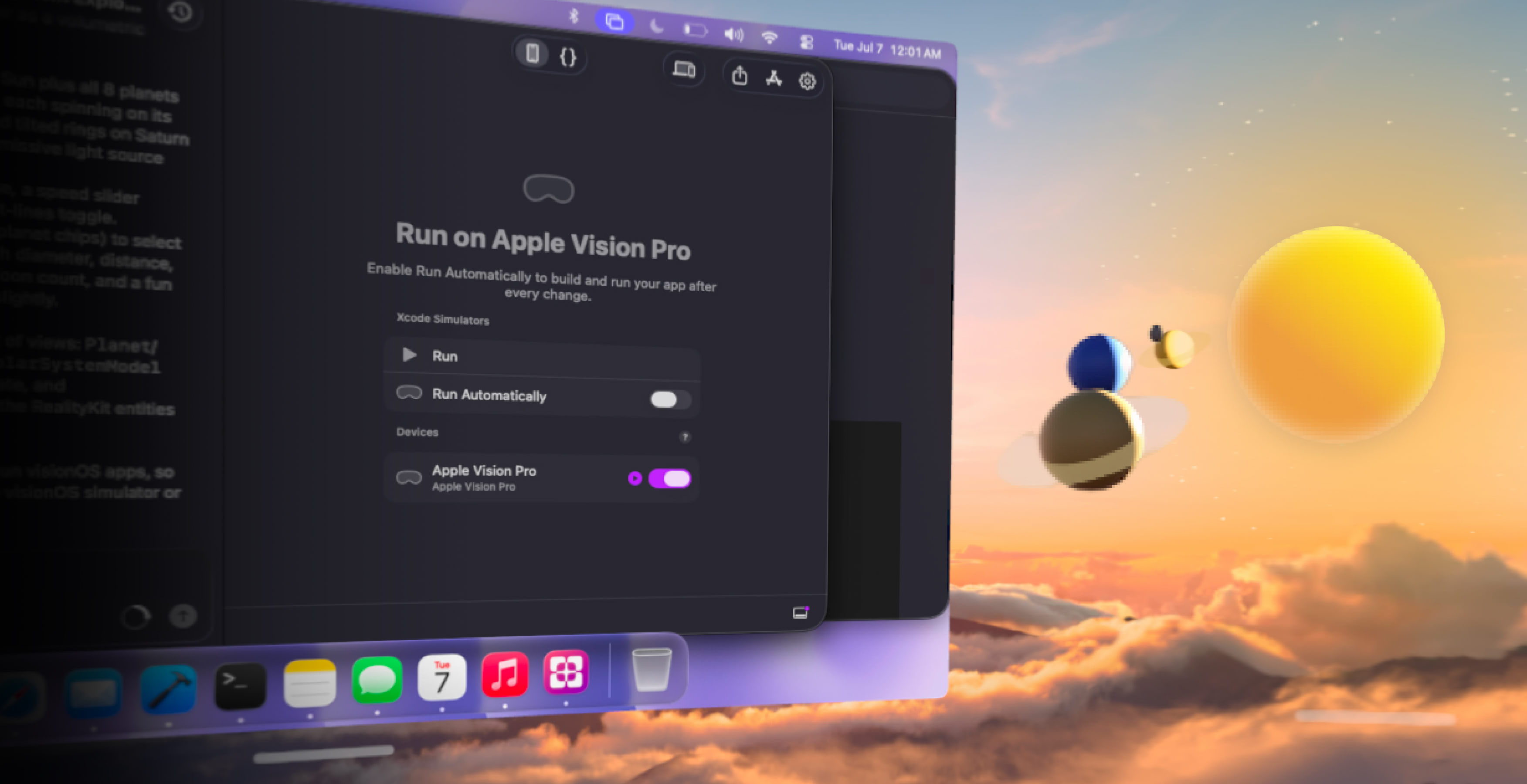
This release also makes it easier to test your app across multiple platforms. Bitrig can now automatically rebuild and re-run your app after each change on every destination you enable: App Preview, Xcode Simulators, your Mac, and connected devices.
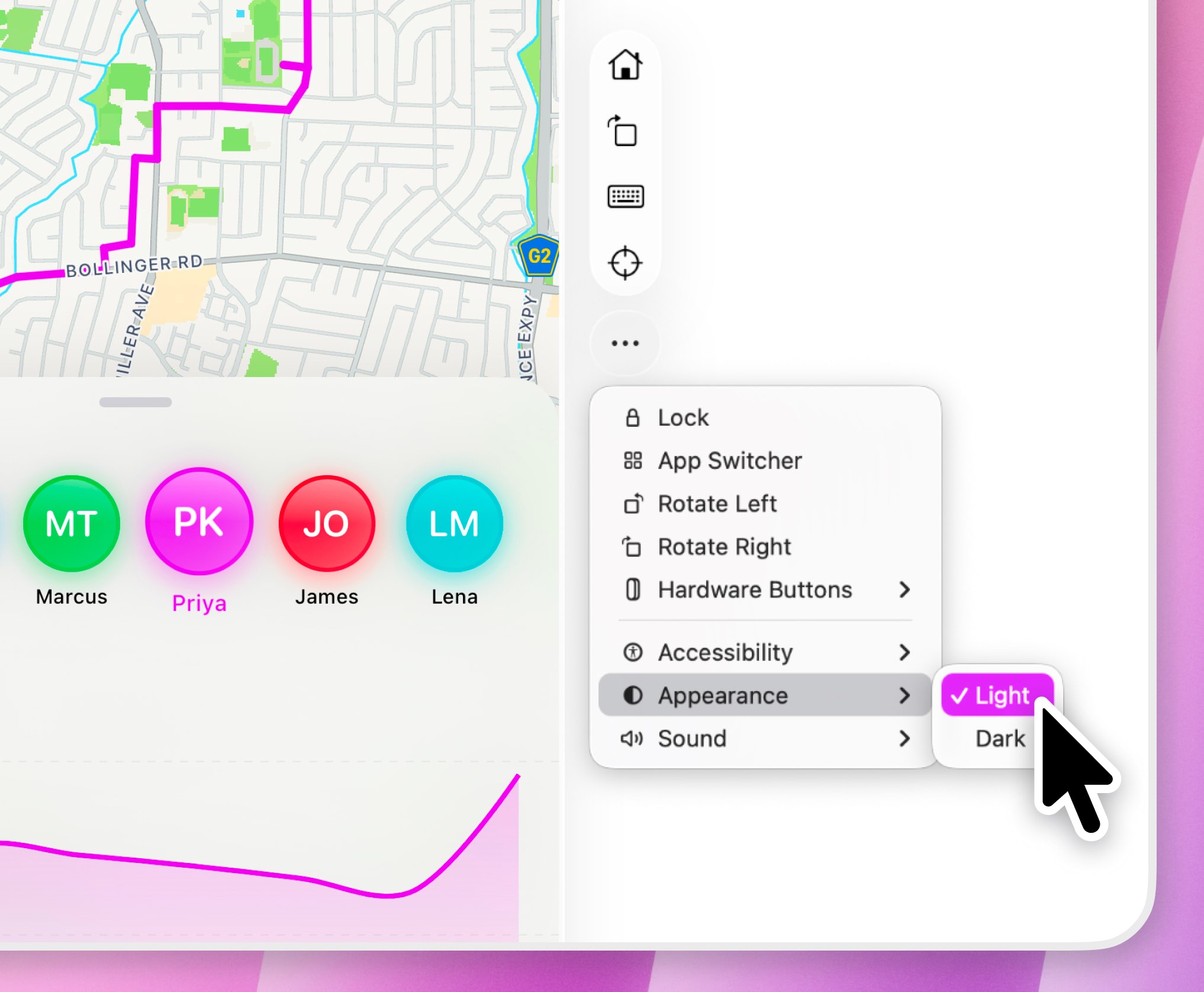
We’ve also added a new set of easy-to-access simulator controls alongside the App Preview. They make it simple to choose which device to preview, and adapt to the selected device with controls for rotation, hardware buttons, keyboard visibility, and more.
Every Apple platform has its own strengths. Each one shows up in your users’ lives differently. Each one is a different canvas, with its own capabilities and its own creative opportunity.
With Bitrig, you can now build a native Swift app that runs on all of them.
Topics
Apple Platforms
SwiftUI

