Guides

In brief
You can build iOS apps for free, but the App Store requires the $99/year Apple Developer Program. Here’s what free and paid include and when to upgrade.
If you want to publish an app on the App Store, you need an Apple Developer Program membership. The membership costs $99 per year in the U.S., but you don’t have to pay to start building your apps.
There’s some nuance here, so let’s break down exactly what you get for free, what the paid membership unlocks, and when you should upgrade.
What can you do with a free Apple developer account?
Access to tools
A free account lets you download Xcode and start building apps. If you’re not familiar with Xcode, it’s Apple’s Mac app for building software for Apple platforms.
You can also use AI to help you build your app in Bitrig. It has the full Xcode toolchain running locally and specializes in Swift, SwiftUI, and Apple frameworks.
So you can get started learning and building your app with the free developer account, but when it’s time to publish on the App Store, you’ll need to join the paid membership.
Test on your own devices
You can install and run an app on your own Apple devices without paying for the Apple Developer Program. Apple calls this a Personal Team in Xcode. It’s useful when you’re learning or working on an early prototype, but it comes with some limitations:
You can register up to 10 App IDs at a time.
You can register up to three test devices per platform.
App IDs, device registrations, and provisioning profiles expire after seven days.
You may need to rebuild and reinstall your app after the provisioning profile expires.
That seven-day expiration can be a little annoying, but it’s perfectly workable when you’re learning or testing an idea. What you can’t do with the free account is distribute your beta through TestFlight to friends, family, customers, or other outside testers.
Beta software access
One of the cooler benefits of a free developer account is access to beta versions of Apple’s software.
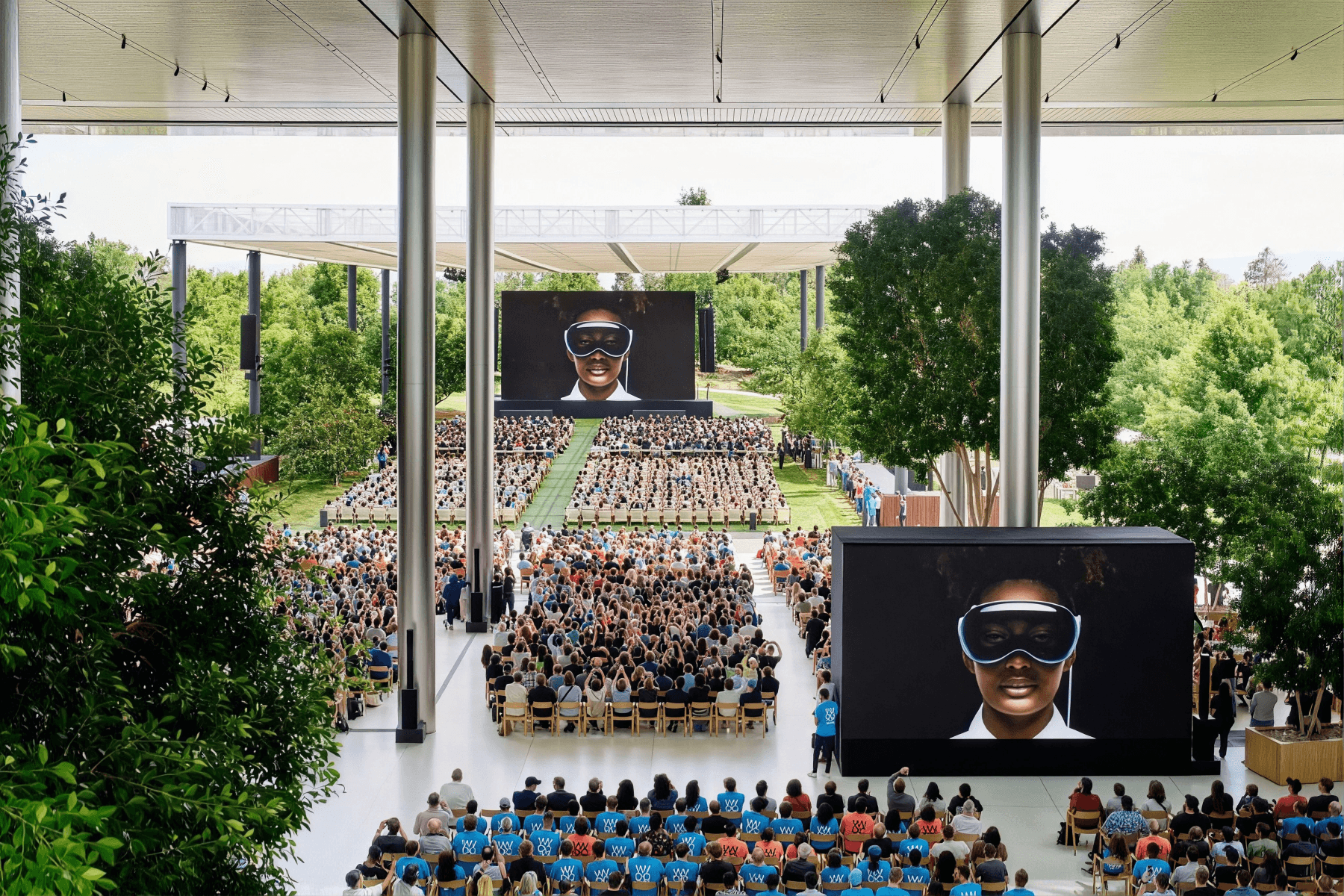
Every June, Apple hosts WWDC, the Worldwide Developers Conference. This is where Apple introduces the next major versions of iOS, iPadOS, macOS, watchOS, etc… and all the fun new features.
Developers can use these beta releases to test their apps and start adopting new features before the public software launches (usually in mid-September of that year).
What do you get with the paid
Apple Developer Program?
It includes everything in the free account and what you need to distribute and manage a real app on the App Store.
App Store Publishing
This is the primary reason to pay for the membership. Membership gives you access to the certificates, identifiers, profiles, and distribution tools needed to publish your app on the App Store.
Once you’re enrolled, Bitrig can handle the entire App Store submission flow for you saving you a ton of time.
Advanced app capabilities
Certain technologies are only available for the paid membership. If you’re on the free developer account, you can’t build with the following:
Push notifications
In-app purchases and subscriptions
Sign in with Apple
CloudKit
WeatherKit
Associated domains
Certain keychain and app-service capabilities
If your app will use one of these technologies, then you’ll need to pay for the membership well before you submit to the App Store.
Beta test with TestFlight
It’s best to test your app with real users before you submit it to the App Store. The paid membership gives you access to TestFlight, which is Apple’s way of sending your app out to beta testers.
With TestFlight, you can invite people by email or create a public link that you can share on social media, with your email list, or inside a community. Apple currently allows up to 10,000 external testers per app, along with up to 100 internal testers from your App Store Connect team. Testers install Apple’s TestFlight app, download your beta, and can send feedback or report crashes.
Learn more about TestFlight in our guide.
App Store Connect
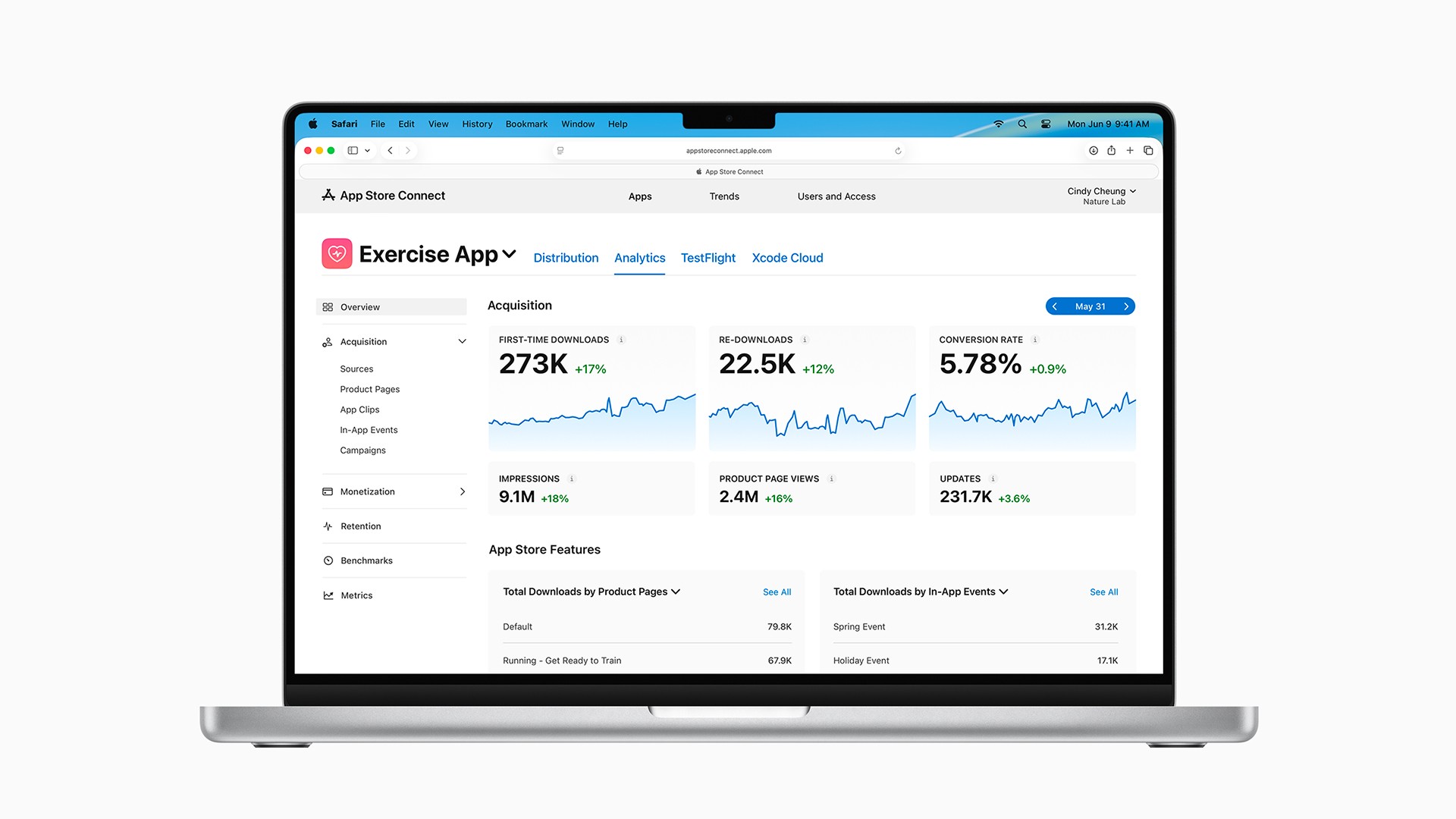
Paid members also get access to App Store Connect, where you manage your app’s presence on the App Store.
This is where you can:
Create and edit your App Store product page
Upload screenshots and app previews
Set pricing and availability
Manage in-app purchases and subscriptions
Upload and distribute TestFlight builds
Submit your app for review
View downloads, sales, revenue, retention, and conversion data
A cool thing about Bitrig is that it can create and update your App Store Connect product page for you via AI agents. For example, if you need to create a new subscription in-app purchase or translate your product page into a new language, that’s just a prompt away in Bitrig.
Learn more about App Store Connect in our guide.
Apple Developer Program cost: free vs. paid at a glance
Feature | Free Apple developer account | Paid Apple Developer Program |
|---|---|---|
Download Xcode | Yes | Yes |
Build and learn Swift development | Yes | Yes |
Test on your own devices | Yes, with limitations | Yes |
Access Xcode and OS betas | Yes | Yes |
Use TestFlight | No | Yes |
Invite external beta testers | No | Yes |
Publish on the App Store | No | Yes |
Use advanced app services | Limited | Yes |
Access App Store Connect distribution and analytics | No | Yes |
Annual cost | Free | $99 per year |
Are there exceptions to the $99 Apple Developer Program fee?
Yes. Some organizations can apply to have the Apple Developer Program’s annual fee waived.
Apple offers a membership fee waiver to eligible:
Nonprofit organizations
Accredited educational institutions
Government entities
To qualify, the organization must be a recognized legal entity. Individuals, sole proprietors, and single-person businesses are not eligible.
The organization also can’t offer paid apps, in-app purchases, or other digital goods and services through its apps. In other words, the waiver is intended for eligible organizations distributing free apps without digital monetization.
You can request the waiver while enrolling. An eligible organization that is already a member can also apply before its current membership expires. If Apple approves the request, the organization won’t have to pay the annual membership fee, but the Account Holder must confirm that it still qualifies at each renewal.
One important heads-up: Apple doesn’t provide full or partial refunds for a membership you already paid for. If you think your organization qualifies, apply for the waiver before paying or renewing.
Individual students don’t receive a personal Apple Developer Program discount. However, an accredited school can apply for the institutional fee waiver.
What is the Apple Developer Enterprise Program?
The Apple Developer Enterprise Program is a separate $299-per-year program for large organizations that need to distribute proprietary apps privately to their own employees.
It is not simply a more expensive version of the regular Apple Developer Program, and most companies don’t need it.
To qualify, an organization must:
Have at least 100 employees
Be a recognized legal entity
Build proprietary apps for internal employee use
Distribute those apps securely through an internal system or Mobile Device Management solution
Pass Apple’s verification interview and ongoing evaluation
The Enterprise Program is not intended for publishing apps on the public App Store, distributing apps to customers, or sharing beta builds. The standard $99 Apple Developer Program already supports public App Store distribution, TestFlight, and private custom-app distribution through Apple Business Manager.
So, if you’re a solo developer, startup, or typical company publishing an app for customers, you almost certainly want the regular Apple Developer Program—not the Enterprise Program.
Should you enroll as an individual
or an organization?
When you join the paid program, Apple lets you enroll as either an individual or an organization. Both options have the same standard $99 annual membership fee, but there are some important differences.
Individual enrollment
An individual account is usually the right choice if:
You’re building apps by yourself.
You’re a sole proprietor or single-person business.
You don’t need to manage a larger development team.
You’re comfortable having your personal legal name shown as the seller on the App Store.
To enroll, you’ll need an Apple Account with two-factor authentication enabled, and you must be the legal age of majority in your region.
One detail people sometimes miss is that an app published through an individual account is listed under the developer’s personal legal name—not a studio name, nickname, or brand name.
Organization enrollment
An organization account is generally the better choice if you’re publishing for an LLC, corporation, startup, nonprofit, or other legal entity.
Your organization’s legal entity name will appear as the seller on the App Store. You can also invite additional team members and assign roles such as Admin, Developer, App Manager, Designer, and Marketing.
To enroll as an organization, Apple requires:
A recognized legal entity
The authority to enter into legal agreements for that entity
A work email address associated with the organization’s domain
A publicly available, functional website
A D‑U‑N‑S Number registered to the legal entity
Apple does not accept a DBA, trade name, fictitious business name, or branch as the legal entity for organization enrollment.
What is a D-U-N-S Number?
A D‑U‑N‑S Number is a unique nine-digit identifier assigned to a business by Dun & Bradstreet. Apple uses it to verify an organization’s identity and legal status. You don’t need one when enrolling as an individual.
Before requesting a new number, use Apple’s D‑U‑N‑S lookup tool to see if your company already has one.
If you do need to request it, Apple says to allow up to five business days to receive the number from Dun & Bradstreet. It can then take up to two additional business days for Apple to receive the updated information.
Give yourself at least a week of lead time—and preferably a little more—if you plan to enroll as an organization.
When should you pay for the Apple Developer Program?
You probably don’t need to pay on day one if you’re still learning Swift, experimenting with an idea, or building an early prototype.
You should consider enrolling when:
You’re preparing to publish on the App Store.
You want to beta test through TestFlight.
You need advanced capabilities such as push notifications or in-app purchases.
You need to add team members to the account.
You want to configure your App Store listing or distribution workflow.
If you’re just tinkering, stay on the free account until you have a reason to upgrade.
Frequently asked questions
Can I build an iOS app without paying Apple?
Yes. You can download Xcode, learn Swift, build an app, and test it on your own devices with a free Apple developer account.
Do I need the Apple Developer Program to publish an app?
Yes. You need a paid Apple Developer Program membership to distribute an app through the App Store.
Do I need a paid membership to use TestFlight?
Yes. TestFlight distribution is included with the paid Apple Developer Program and is managed through App Store Connect.
How much does an Apple Developer account cost?
The Apple Developer Program costs $99 per year in the U.S., or the local equivalent where available. A free Apple developer account costs nothing, but you’ll need the paid membership to publish on the App Store. Eligible organizations may qualify for a fee waiver.
Should I enroll as an individual or an organization?
Enroll as an individual if you’re publishing by yourself and are comfortable using your personal legal name as the App Store seller. Enroll as an organization if you’re publishing for a recognized legal entity, want the company’s legal name displayed, or need to manage a team.
Does the Apple Developer Program automatically renew, and can I get a refund?
Memberships purchased through the Apple Developer app renew automatically until canceled. Website enrollments can use automatic renewal where available or be renewed manually. Membership fees are generally non-refundable.
How long does Apple Developer Program approval take?
Apple doesn’t guarantee a specific approval time. If you haven’t received confirmation within 24 hours of completing your purchase, contact Apple Developer Support. Organization enrollment may take longer because of additional verification.
Do I need a Mac to enroll in the Apple Developer Program?
No. You can enroll through the Apple Developer website or, in supported regions, through the Apple Developer app on an iPhone, iPad, or Mac. You’ll typically need a Mac afterward to build your app with Xcode or Bitrig.
The bottom line
If you want to publish your app on the App Store, beta test with TestFlight, use advanced Apple capabilities, or manage your app through App Store Connect, you’re going to need the paid Apple Developer Program.
If you just want to build, learn, prototype, and tinker with an app on your own devices, the free account should be enough for now.

Try Bitrig
When you’re ready to start building, Bitrig can help you turn your idea into a native, high-quality Swift app with AI, even if you’re brand new to app development.
Topics
App Store
Publishing
Monetization

