Swift App Development Guides
Practical guidance for building, testing, publishing, and growing native apps across Apple platforms, including iPhone Duo.
Learn the foundations of shipping a native Apple app, from choosing between Swift and SwiftUI to testing with TestFlight and managing releases in App Store Connect. These beginner-friendly guides explain the tools, programs, and decisions that shape a successful iPhone, iPad, Mac, Apple Watch, iPhone Duo, or Vision Pro app. Explore practical walkthroughs for CloudKit, client–server architecture, Apple Ads, App Store Optimization, the Apple Developer Program, and the Small Business Program. Whether you are preparing your first build or improving an existing product, each article focuses on clear concepts, real publishing workflows, and the next useful step—without assuming years of development or marketing experience.

Guides
Get Your App Ready for iPhone Duo, Apple’s Foldable
Get your iOS app ready for iPhone Duo, Apple’s foldable: adaptive layouts, vertical toolbars, safe areas, the hinge API, multitasking, and Xcode 27.1.

Guides
What Are SF Symbols? A Beginner’s Guide
SF Symbols are more than an icon pack. Learn how variants, rendering modes, animations, and localization work across Apple’s 7,000+ symbols in SwiftUI.

Guides
Liquid Glass Design: Best Practices for Apple Apps
Apple’s guidance for Liquid Glass in iOS 26: native SwiftUI controls, content hierarchy, tinting, concentricity, accessibility, and app icons.

Guides
App Store Pre-Orders: Bank Downloads Before You Launch
An App Store pre-order puts your app's real product page live 2 to 180 days before launch. How they work, how to set one up, and how to drive pre-orders.

Guides
Swift vs. SwiftUI: What’s the Difference?
Learn the difference between Swift and SwiftUI, how they work together in Apple apps, and what beginners should learn first when building an iPhone app.
Guides
What Is CloudKit? Apple’s Backend Explained
Learn what CloudKit is, how its private, shared, and public databases work, what it costs, and when it makes sense for your first Apple app as a beginner.

Guides
What Is TestFlight? Beta Testing for Beginners
TestFlight is Apple’s service for beta testing apps before launch. Learn how builds, tester groups, external review, and the 90-day limit work

Guides
App Store Small Business Program: Pay 15% Not 30%
The App Store Small Business Program cuts Apple’s commission from 30% to 15%. See who qualifies, how the $1M limit works, and how to enroll step by step
Guides
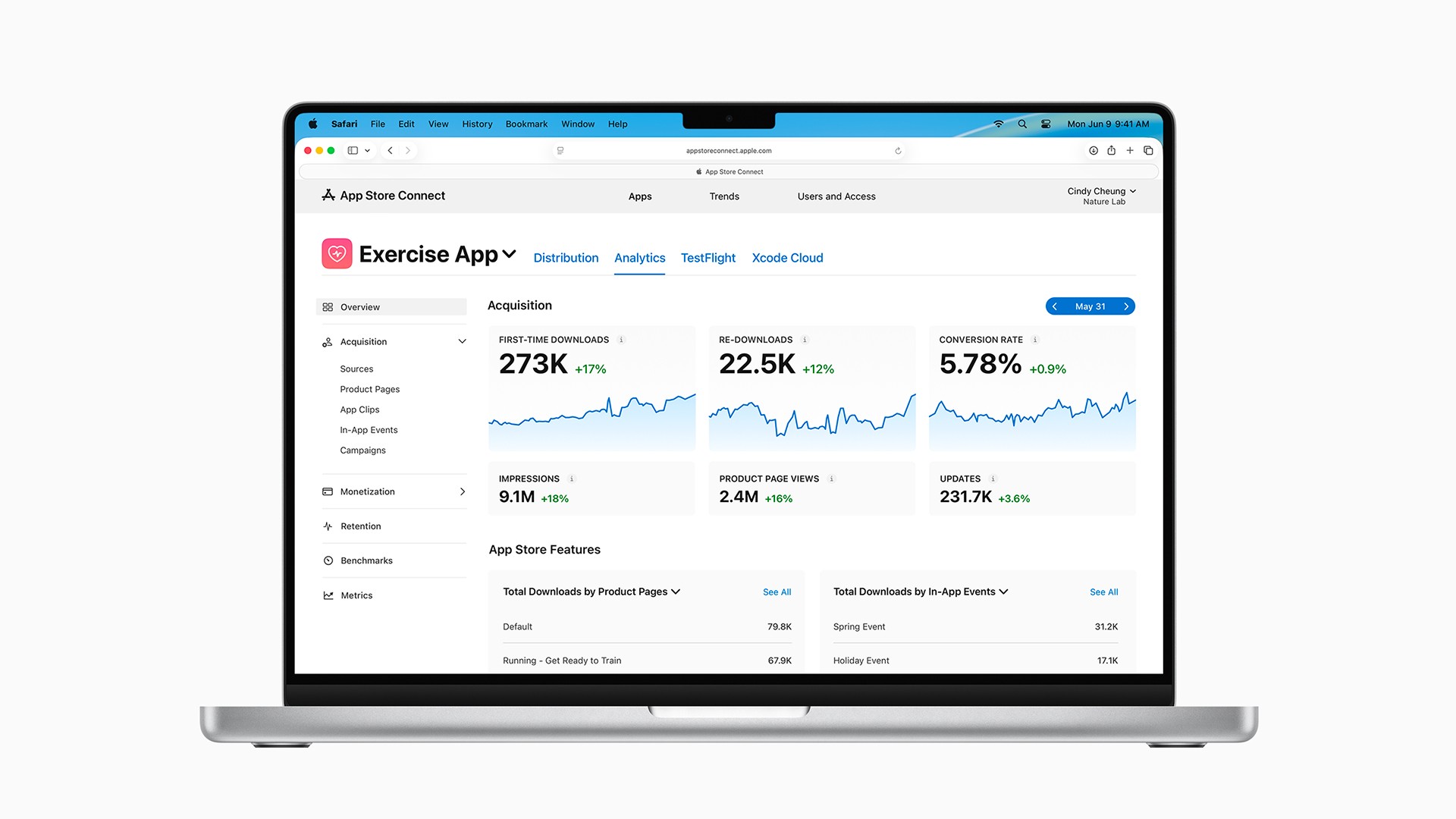
App Store Optimization: Get More App Downloads
Learn how App Store Optimization uses keywords, screenshots, ratings, and promotion to rank higher and get more app downloads (beginner's guide).

Guides
Apple System Fonts in SwiftUI: Skip the Custom Font
Apple system fonts in SwiftUI: SF Pro widths, weights, rounded, serif, and mono. Give your iOS app personality without importing a custom font.

Guides
Apple Human Interface Guidelines (HIG): Beginner’s Guide
Apple’s Human Interface Guidelines (HIG) are its free design reference for every Apple platform. How beginners use it, without reading the whole thing

Guides
What is Xcode? A Beginner’s Guide
Xcode is Apple’s free Mac app for building, testing, debugging, and publishing Swift apps for iPhone, iPad, Mac, and more.

Guides
AI Context Window: Context Rot Explained
Why do AI coding agents get worse over time? Learn how context windows, context rot, and compaction work, plus simple ways to keep sessions focused longer.

Guides
Icon Composer: How to Make a Liquid Glass App Icon
Learn how Icon Composer turns simple layered artwork into a polished Liquid Glass app icon, with practical design tips for iPhone, iPad, Mac, and Apple Watch.

Guides
Client vs. Server: How Mobile Apps Actually Work
Most apps split the work between a client on the device and a server online. Learn when your app needs a backend and the simplest ways to add one.

Guides
What Is App Store Connect? A Beginner’s Guide
App Store Connect is Apple’s hub for publishing and managing apps. App Review, TestFlight, purchases, analytics, reviews, and updates explained for beginners.

Guides
Apple Ads Beginner’s Guide: Using the $100 Credit
Apple Ads (formerly Apple Search Ads) puts your app at the top of App Store search. Learn Basic vs. Advanced and how to spend the $100 credit wisely

Guides
Apple Developer Program: Free vs. Paid Explained
You can build iOS apps for free, but the App Store requires the $99/year Apple Developer Program. Here’s what free and paid include and when to upgrade.
Guides
Get Your App Ready for iPhone Duo, Apple’s Foldable
Get your iOS app ready for iPhone Duo, Apple’s foldable: adaptive layouts, vertical toolbars, safe areas, the hinge API, multitasking, and Xcode 27.1.
Guides
Apple System Fonts in SwiftUI: Skip the Custom Font
Apple system fonts in SwiftUI: SF Pro widths, weights, rounded, serif, and mono. Give your iOS app personality without importing a custom font.
Guides
What Are SF Symbols? A Beginner’s Guide
SF Symbols are more than an icon pack. Learn how variants, rendering modes, animations, and localization work across Apple’s 7,000+ symbols in SwiftUI.
Guides
Apple Human Interface Guidelines (HIG): Beginner’s Guide
Apple’s Human Interface Guidelines (HIG) are its free design reference for every Apple platform. How beginners use it, without reading the whole thing
Guides
Liquid Glass Design: Best Practices for Apple Apps
Apple’s guidance for Liquid Glass in iOS 26: native SwiftUI controls, content hierarchy, tinting, concentricity, accessibility, and app icons.
Guides
What is Xcode? A Beginner’s Guide
Xcode is Apple’s free Mac app for building, testing, debugging, and publishing Swift apps for iPhone, iPad, Mac, and more.
Guides
App Store Pre-Orders: Bank Downloads Before You Launch
An App Store pre-order puts your app's real product page live 2 to 180 days before launch. How they work, how to set one up, and how to drive pre-orders.
Guides
AI Context Window: Context Rot Explained
Why do AI coding agents get worse over time? Learn how context windows, context rot, and compaction work, plus simple ways to keep sessions focused longer.
Guides
Swift vs. SwiftUI: What’s the Difference?
Learn the difference between Swift and SwiftUI, how they work together in Apple apps, and what beginners should learn first when building an iPhone app.
Guides
Icon Composer: How to Make a Liquid Glass App Icon
Learn how Icon Composer turns simple layered artwork into a polished Liquid Glass app icon, with practical design tips for iPhone, iPad, Mac, and Apple Watch.
Guides
What Is CloudKit? Apple’s Backend Explained
Learn what CloudKit is, how its private, shared, and public databases work, what it costs, and when it makes sense for your first Apple app as a beginner.
Guides
Client vs. Server: How Mobile Apps Actually Work
Most apps split the work between a client on the device and a server online. Learn when your app needs a backend and the simplest ways to add one.
Guides
What Is TestFlight? Beta Testing for Beginners
TestFlight is Apple’s service for beta testing apps before launch. Learn how builds, tester groups, external review, and the 90-day limit work
Guides
What Is App Store Connect? A Beginner’s Guide
App Store Connect is Apple’s hub for publishing and managing apps. App Review, TestFlight, purchases, analytics, reviews, and updates explained for beginners.
Guides
App Store Small Business Program: Pay 15% Not 30%
The App Store Small Business Program cuts Apple’s commission from 30% to 15%. See who qualifies, how the $1M limit works, and how to enroll step by step
Guides
Apple Ads Beginner’s Guide: Using the $100 Credit
Apple Ads (formerly Apple Search Ads) puts your app at the top of App Store search. Learn Basic vs. Advanced and how to spend the $100 credit wisely
Guides
App Store Optimization: Get More App Downloads
Learn how App Store Optimization uses keywords, screenshots, ratings, and promotion to rank higher and get more app downloads (beginner's guide).
Guides
Apple Developer Program: Free vs. Paid Explained
You can build iOS apps for free, but the App Store requires the $99/year Apple Developer Program. Here’s what free and paid include and when to upgrade.